HRMS Globex Login: How to Access the Employee Portal (Step-by-Step)
If you have just been told to “log in to HRMS Globex” and you’re staring at a login screen with a captcha you can barely read, this guide is for you. Below you’ll find what the portal is, how to sign in, what to do when it refuses you, and how to avoid fake login pages.
This is an independent guide. We are not affiliated with Global Healthcare Resource or HRMS Globex.
What Is HRMS Globex?
HRMS Globex is the human resource management portal run by Global Healthcare Resource, which publishes its login at hrms.theglobex.com. HRMS stands for Human Resource Management System. It’s the online system where an organization keeps its HR processes, and where employees go to manage their own work records instead of chasing paperwork.
Many articles online describe it as a general-purpose software product with advanced AI features. The official page itself is a simple employee login, and there’s no public product page we could verify. So treat it as an employee portal first, and confirm any feature or pricing claim with the company directly.
Who Is It For?
It’s for people who have been given an account, which usually means employees of the organization running it and the HR staff who administer it. You can’t normally create your own account. Credentials come from your employer’s HR or IT team.
How to Log In to HRMS Globex (Step by Step)
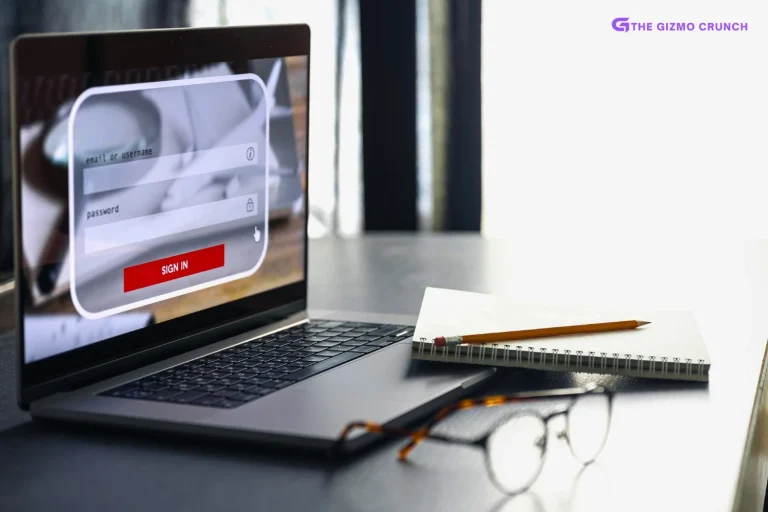
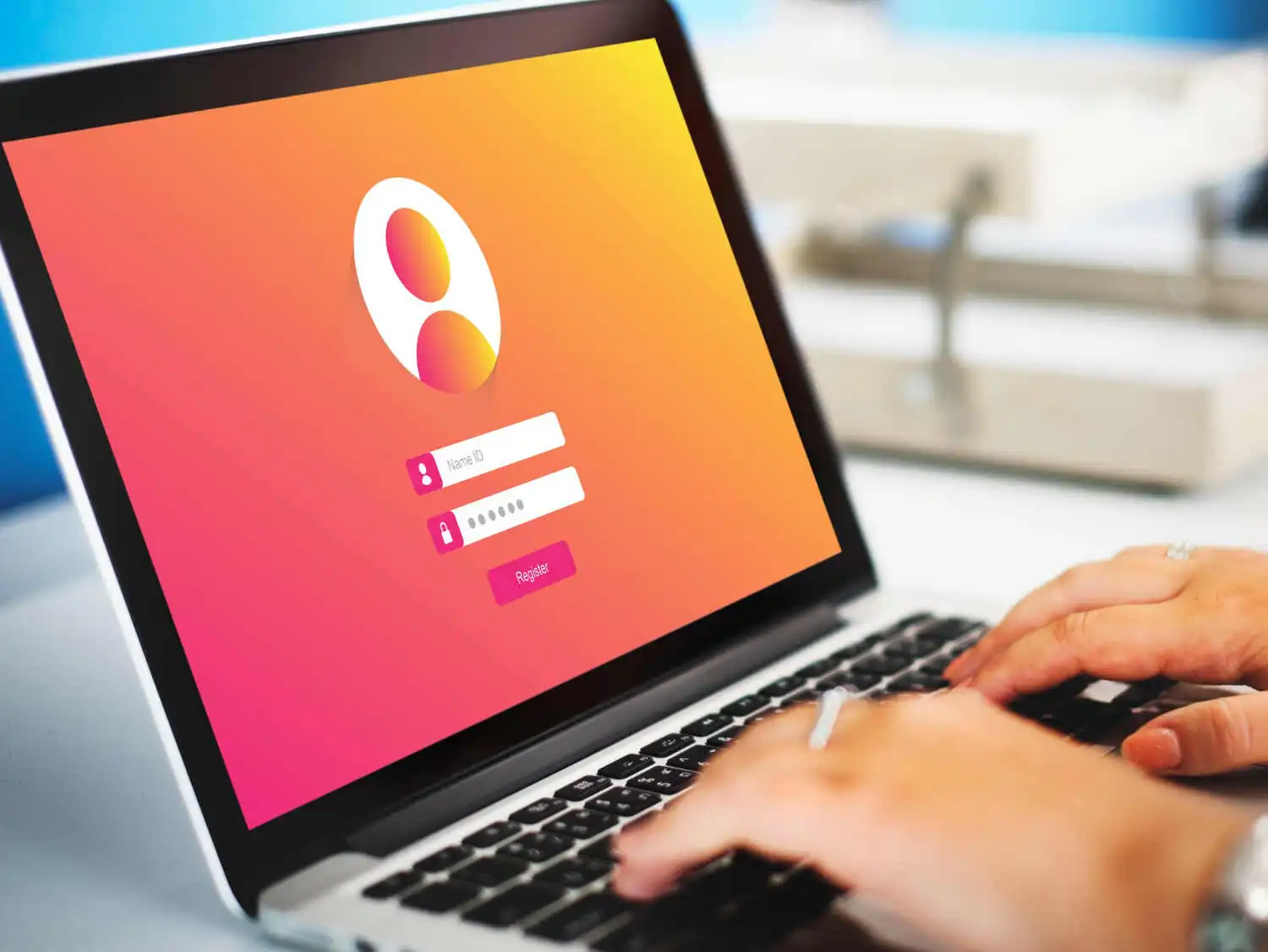
The official login page asks for four things: a username, a password, a captcha code and a click on login.
- Open the official portal at hrms.theglobex.com. Type it yourself or use a bookmark you trust.
- Enter your username exactly as HR gave it to you.
- Enter your password. Passwords are case-sensitive.
- Type the captcha characters shown on screen. If you can’t read them, use the refresh icon for a new set.
- Press login.
On a first login, your employer may require a new password. Choose something long and unique that you don’t use anywhere else.
Forgot Your Password?
There’s a Forgot password? link right under the login fields. Click it, follow the prompts and set a new password. If the reset doesn’t work, or you don’t remember your username either, contact your HR or IT department. They can confirm your username and reset your account, which no website can do for you.
Common HRMS Globex Login Problems (and Fixes)
| Problem | What usually fixes it |
|---|---|
| “Invalid username or password” | Re-type slowly, check Caps Lock, and make sure there’s no trailing space from copy-pasting. |
| Captcha keeps failing | Click refresh for a new code and type it exactly. Letters and numbers can look similar, so take your time. |
| Page won’t load | Check your connection, then try another browser or a private window. |
| Login button does nothing | Clear cookies and cache, and turn off extensions like ad blockers for this page. |
| Locked out after several attempts | Wait a while, then try again. If you’re still blocked, ask HR or IT to unlock the account. |
| Works on desktop, not on phone | Try a different browser or switch to a computer. |
What You Can Usually Do After Logging In
Exactly what you see depends on your employer’s setup and your role. In HR portals like this, employees commonly use the dashboard for things like attendance, leave requests, payslips and personal details, while HR staff get extra administration tools. Check your own dashboard, or ask HR which modules are switched on for you.
Stay Safe: Avoid Fake HRMS Globex Pages
HR portals hold salary and personal data, which makes them a target for phishing. HR portals hold salary and personal data, which makes them a target for phishing. The U.S. Cybersecurity and Infrastructure Security Agency (CISA) explains how to spot social engineering and phishing attacks, and its advice applies directly to login pages. Keep these rules in mind:
- Check the address in your browser before typing anything. It should be the official domain you were given.
- Don’t click login links in unexpected emails or messages. Type the address or use your bookmark.
- Never share your password or captcha with anyone, including someone claiming to be IT.
- Use a unique password and log out on shared computers.
- Be wary of sites that ask for bank details or a “verification fee” to log in. A real HR portal never needs this.
Can You Buy or Try HRMS Globex?
Some sites list prices and plans for HRMS Globex, but we couldn’t verify them against any official source. If you’re a business looking for HR software, contact the company directly, and compare it against established options such as Zoho People, Keka or greytHR before you decide. If you’re exploring other online platforms and digital tools while you research, our guide to Troozer and what it offers is a useful starting point.
Frequently Asked Questions
What is HRMS Globex?
It’s the online HR management portal of Global Healthcare Resource, used by authorized people to access HR records and tasks.
What is the official HRMS Globex login page?
The login page is hosted at hrms.theglobex.com. Always confirm the address before you enter your details.
Can I create my own HRMS Globex account?
No. Accounts are issued by your organization’s HR or IT team.
What should I do if I forget my password?
Click Forgot password? on the login page. If that fails, ask your HR or IT team to reset it.
Why does the captcha keep saying it’s wrong?
Refresh it for a new code and type it exactly as shown. A stale session can also cause errors, so reload the page if it keeps failing.
Is HRMS Globex safe?
The portal is safe when you use the official address and keep your credentials private. The main risk is fake pages, so don’t log in from links in unsolicited messages.
Final Thoughts
HRMS Globex is simple once you know the steps: official page, username, password, captcha, login. When something goes wrong, the fix is usually a refreshed captcha, a clean browser session or a quick message to HR. Bookmark the official page and avoid unknown links.